
Business system connections · November 16, 2026
What should you check before connecting two business systems?
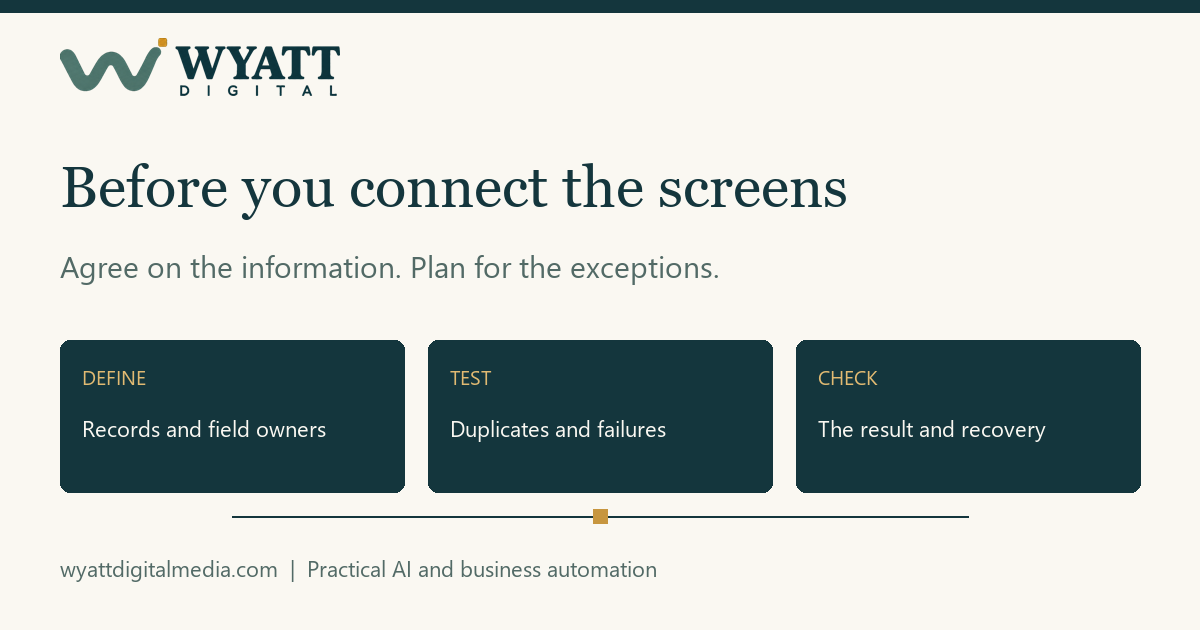
Agree on the information and the exceptions before you connect the screens.
By Jason Wyatt
Ever had two screens open and neither one could tell you what actually happened to a customer request?
One says the job is ready. The other says it's waiting. Somebody changed the delivery address, somebody else copied the old one, and now you're calling around trying to figure out which screen to believe.
Connecting those systems sounds like the obvious fix. And it might be. But I want you to decide what the information means before you decide how to move it.
Before connecting two business systems, write down the event that starts the transfer, the record and fields involved, which system has authority over each field, and what should happen when the transfer is late, repeated, incomplete, or wrong. Then test those decisions with a small set of labeled examples.
That sounds like homework. It is. It's also a lot easier to answer these questions before an automation starts copying the wrong information all afternoon.
I'm going to walk you through the checks I'd put in a connection brief, using a fictional supply-business example. The same questions work for a service office or a business with several locations.
1. What exact job should the connection do?
Start with one sentence you can check.
“When an approved quote becomes an order, create a dispatch request for the correct branch, containing the approved delivery details.”
That gives you a starting event, an expected result, and a boundary. It doesn't authorize the connection to change inventory, send a customer message, or mark an order delivered.
“Keep everything in sync” leaves all of that open. It's the kind of sentence that sounds helpful until two people explain what they think it means.
Now ask who needs the result and what they're going to do with it. A dispatcher may need the approved address and requested delivery window. An accounting clerk may need a billing reference. Those are different jobs, and they don't necessarily need every field the sales system holds.
If you haven't chosen the work to tackle first, start with the first AI project guide. This article starts after you've picked the job and need to define the connection.
Write one starting event and one observable result. You can add another job after this one behaves.
2. Which record are you actually moving?
A customer, a contact, an order, and a delivery location can all belong together without being the same thing.
Here's our fictional example. Account A-104 has two locations, North and South. Contact C-207 buys for both. Order O-318 is going to South. The dispatch request needs to stay attached to O-318 and South, even if C-207 usually works at North.
These identifiers are made up for this example. They show relationships, not a particular software setup.
If the connection matches on the contact's name alone, what happens when that person places another order? If it matches on the company name, what happens when the company has two locations with the same trading name?
I want the brief to name the stable identifier, which is the value used to tell one record from another, and the related records it needs to keep together. Ask the person building the connection to confirm which identifiers the actual systems expose and whether those values survive edits.
| Question | Decision to record |
|---|---|
| What moves? | One approved order, with its account and delivery-location references |
| How is it identified? | The source order identifier, stored against the destination record |
| What stays separate? | Billing address, delivery address, and individual contact details |
| What happens if the match is unclear? | Hold for review by a named person |
A fuzzy match needs a review rule. “It'll probably find the right one” isn't a rule.
3. Which system gets the final say?
Now you've got to decide what happens when both screens have a value.
Say sales changes a contact number while dispatch corrects the delivery entrance instructions. Should one system overwrite the other? Should both changes travel back? Does either field need somebody to approve the change first?
I recommend deciding this field by field. One system can own the approved order value while another owns the dispatch status. You don't have to give one screen authority over the entire business.
Field mapping means writing down which source field becomes which destination field, including any change in format. Add the owner of that field to the same sheet.
| Information | Example rule for the fictional workflow |
|---|---|
| Approved order reference | Sales supplies it; dispatch keeps the reference |
| Delivery address | Copy the approved order address, not the account's default billing address |
| Delivery instructions | A later correction enters a review path before changing an active dispatch request |
| Dispatch status | Dispatch owns it; sales receives the agreed status update |
| Customer-facing promise | A person approves any changed date before a message is sent |
These are proposed decisions for our example, not universal settings. Your team has to agree on its own rules.
Be particularly careful with blank values. A blank might mean unknown, intentionally removed, or simply absent from this transfer. Decide whether it clears the destination field, leaves it alone, or stops the update.
And define the terms. “Complete” might mean the sales work is complete, while the warehouse hasn't picked anything yet. Copying the word without agreeing on its meaning just moves the confusion.
4. What starts a transfer, and what stops one?
A trigger is the event that tells the connection to run.
For our example, the trigger is an approved quote becoming an order. Opening the quote, saving an unfinished draft, or changing a phone number shouldn't accidentally create a dispatch request.
Write the conditions that make the record eligible. For example, the order has approval, a delivery location, an assigned branch, and the required reference. If one is missing, the record goes to a review queue with a reason someone can understand.
You might say, “But Jason, the software already has an order-created trigger.”
Good. Now find out what that trigger actually includes in your account and what happens when somebody creates an order before filling in the required details.
Check cancellation as well. If an order is canceled before dispatch accepts it, what stops the pending request? If dispatch has already started work, who gets the exception?
Two-way updates deserve an explicit check: can an update from System A cause System B to update System A again? Ask how the proposed connection recognizes its own changes and avoids repeating the same work.
You don't need to become the developer. You do need a clear answer.
5. What happens when information arrives twice or late?
This is the part I'd put on the test sheet before anybody connects live customer records.
A repeat delivery should have a defined result. In our fictional order workflow, receiving O-318 again should find the existing dispatch request and apply only an allowed update. It should not create a second delivery job.
The person building the connection may use the word idempotent. It means repeating the same operation doesn't create an additional business effect. Ask them to show what that means for your order, task, or appointment.
Also ask what happens when an older update arrives after a newer one. A late “ready” event shouldn't reopen an order your team has already canceled.
Provider behavior varies. For a concrete technical example, Stripe's webhook documentation explains duplicate delivery and says event order isn't guaranteed. That is a Stripe-specific example, not proof that your systems behave the same way. Have the implementer check the documentation and settings for the connection you're actually considering.
A webhook is an event notification one system sends to another. Whether your connection uses webhooks, scheduled checks, or another method, the business question stays the same: how will it recognize work it has already handled and avoid acting on stale information?
Write the answer down where your office manager can find it.
6. Who notices when the connection fails?
A green “connected” badge doesn't tell your dispatcher whether this morning's order arrived.
I want a business-level check: which eligible orders should have produced dispatch requests, which ones did, and which ones still need attention?
That check is called reconciliation. You're comparing what should exist with what actually exists. Counting successful runs alone doesn't show whether an eligible record was missed before a run ever started.
For the fictional workflow, the brief might require a review list containing the source order reference, the attempted action, the last known result, and the next person responsible. Keep the list useful without copying unnecessary customer information into alerts.
Agree on these details before launch:
- Who receives a failure alert and who covers when that person is away.
- How long an unresolved item can wait before somebody checks it.
- Which failures may retry automatically and which require review.
- How a person sees whether a retry already completed the work.
- Where the office records a manual correction so the next automatic attempt doesn't duplicate it.
“Tell somebody” needs a name. The customer-request ownership guide covers accepted handoffs and backups in more detail.
Also define success at the destination. Did the receiving system accept a request, or did the required record actually appear with the right details? Those checks can be different.
7. What should your team test before switching it on?
Use approved test records in an appropriate test environment where available, and confirm that the test can't send real customer messages, dispatch work, or change financial records.
For this fictional workflow, I'd ask for evidence from these cases:
| Test case | Expected result |
|---|---|
| Approved order with complete information | One dispatch request, correct branch and delivery details |
| Same event received again | Same destination record; no duplicate job |
| Missing delivery location | Held for review with a clear reason |
| Address changed after approval | Follows the agreed correction and approval rule |
| Cancellation followed by an older update | No accidental reopening or new dispatch |
| Destination temporarily unavailable | Visible failure or pending item, with a defined recovery action |
| Manual correction followed by a retry | No duplicate work and no silent reversal of the correction |
These are starting cases. Add the exceptions your staff handles now, especially the ones they fix from memory and never write down.
Ask to see the destination record and the exception list. A screenshot of a successful connection test doesn't prove the office can recover from a failed transfer.
Before the live switch, agree on a way to pause the connection and keep the work moving manually. Know who can pause it, where pending items remain visible, and how you'll check them before restarting. Pausing doesn't automatically undo changes already made; recovery needs its own plan.
If the project is a one-time CRM move rather than an ongoing connection, use the HVAC CRM migration checklist for the separate import and changeover questions.
So what belongs in your connection brief?
You don't need a binder full of impressive words. You need decisions the people doing the work can use.
Put the starting event, eligible records, identifiers, field owners, update direction, duplicate rules, failure owner, reconciliation check, and pause procedure in one brief. Leave a visible open question wherever the answer isn't settled.
Then walk one example from beginning to end with the person who enters the information and the person who uses it. Let them point out the branch exception, the shared contact, the corrected address, and the order that gets canceled halfway through.
That conversation is useful work. It gives the connection a job it can actually be tested against.
If you've got two systems and a handoff between them that keeps creating extra work, book a conversation. Bring one example of what should happen and what happens now, and we can start there.
I'll see you on the road.