
AI draft approval · November 25, 2026
When should an AI-generated draft require human approval?
Give the reviewer a real decision to make.
By Jason Wyatt
Would you let a new office employee send a customer a delivery promise just because they wrote a good sentence?
I'd want to know where the date came from, whether the stock had been checked, and who was allowed to make that promise. An AI-generated draft needs the same kind of business decision.
Require human approval when a draft makes a commitment, relies on information that needs checking, handles an unusual request, or could cause a meaningful problem if it reaches the wrong person. Start a new AI drafting workflow with review before sending, then decide whether any narrow, repeatable cases deserve a different rule after testing.
The useful question is specific: who is approving what, using which evidence, before which action?
“Someone checks it” leaves a whole lot of room for guessing.
Here's how I'd define the approval step for a service office, supply business, or team working across several locations. These are planning recommendations. Your actual controls need to be checked in the tools you use.
1. What could this draft cause someone to believe or do?
Start with the effect of the message.
A summary for an internal review queue and a customer-facing promise to deliver an order tomorrow have different consequences. Both can look like ordinary paragraphs on a screen. The workflow needs to recognize the difference before either one moves forward.
I'd separate drafts into a few practical groups:
| Kind of draft | What needs attention |
|---|---|
| Internal summary | Whether the facts and unanswered questions reflect the source |
| Routine customer reply | Recipient, request, approved wording, and any added claims |
| Price or delivery discussion | Current evidence and the authority to make a commitment |
| Complaint or unusual request | Context, appropriate owner, and what the reply would commit the business to |
| Instructions someone may act on | Accuracy, scope, and review by the person responsible for that subject |
These groups are a starting point for your own rules. A message doesn't become appropriate for automatic sending because you put it in the “routine” bucket.
For an early pilot, I'd keep the output as a draft and have a person send the approved reply. That gives you a chance to see the errors and the work involved in correcting them.
If you haven't chosen the task yet, the first AI project guide helps you give it a clear beginning and finish line.
2. What information should the reviewer compare?
An approval screen should give the person something useful to check.
Put the original request, relevant source records, and proposed response close enough together that the reviewer can compare them. Make the request reference and intended recipient visible. Identify the source of any date, quantity, account detail, or other fact that changes the meaning of the reply.
An AI draft shouldn't be its own evidence.
If it says a branch has the item, the reviewer needs the approved stock information for that branch. If it suggests a date, the reviewer needs to know whether that date is a customer request, an internal estimate, or an authorized promise.
Those are three different things.
I'd also show what is missing. A visible “delivery date not confirmed” note is more useful than a tidy sentence that fills the gap with something plausible.
Keep the review material limited to what the task requires and make it available through the normal access rules for that role. A convenient approval screen doesn't justify copying every customer record into a drafting tool.
For the underlying record-matching and field decisions, use the business system connection checklist.
3. Who can approve the message, and what are they approving?
Name the role before you build the button.
The person who can correct spelling may not be the person who can approve a discount, settle a complaint, or promise a delivery date. A busy office can have several people helping with the same request, and everybody can reasonably assume somebody else checked the important part.
Write down which decisions the reviewer owns and which decisions need another person.
For example, your rule might say that the office coordinator can approve a reply asking for a missing account reference. A proposed change to commercial terms goes to the person authorized to make that decision. Those are example responsibilities, not a recommendation to give any particular employee new authority.
Also separate draft approval from permission to send. Your workflow may use one step for both, or it may require an additional action. Either way, the team should be able to explain what happens after approval.
Does the message send immediately? Does it wait for a scheduled time? Does another person send it manually? Can the reviewer approve an internal summary without releasing a customer reply?
Make that visible.
If request ownership crosses departments or locations, the customer-request ownership guide covers the handoff between people. Draft approval should fit that ownership rather than create a competing queue.
4. What should a useful approval decision include?
Give the reviewer clear choices with clear effects.
I'd start with approve, revise, request information, and route to another owner. Define what happens to the work in each case, including where the request waits and who checks it next.
| Review decision | What the workflow should settle |
|---|---|
| Approve this version | Which exact draft can move to the next authorized action |
| Revise | Who changes the draft and whether it returns for review |
| Request information | What is missing, who obtains it, and where the item waits |
| Route to another owner | Who accepts the decision and how the original reviewer sees that handoff |
| Decline or close | Why the draft is being stopped and whether the customer request remains open |
Declining a draft shouldn't silently close an unresolved customer request.
Keep a review record appropriate to the task: the request reference, draft version, decision, reviewer, time, and any reason needed to understand the next step. Avoid storing extra personal information simply because a notes box is available.
A generic “approved” label can be hard to interpret later. An approval tied to a particular draft and action gives the team something they can trace.
Before relying on that behavior, test whether your actual platform preserves those details and enforces the intended boundary.
5. What happens if something changes after approval?
This is an easy place for an otherwise sensible workflow to get messy.
A reviewer approves one version. Then a customer replies, somebody changes the draft, or the source record updates before the message is sent. The old approval may no longer describe the message or situation that is about to reach the customer.
I'd write a simple rule: a material change returns the draft for review.
Define “material” for this task. Changes to the recipient, commitment, amount, date, source facts, or meaning belong on the list. Decide how the team handles smaller edits too, so an operator isn't left making that distinction under pressure.
Now account for time. Information can become outdated while a draft waits. Set a review or recheck window appropriate to the process, and say who handles items that sit beyond it. There isn't one useful expiration time for every kind of message.
Approval also needs a stopping point. A new customer reply or an already completed request may make the queued draft unnecessary.
Before releasing it, confirm the action is still needed.
For documenting those rules so the receiving team can operate them, use the automation handoff guide.
6. What does this look like in an ordinary office?
Here's a fictional example.
A customer asks a supply office whether an item can reach a particular branch by Friday. A proposed AI workflow prepares a reply from the inquiry and the source information the office has approved for this task.
The customer has requested Friday. The available information doesn't confirm a delivery date.
An unacceptable draft says, “We can have that at the branch Friday.” It turns the customer's preference into the business's promise.
A better draft might say, “I've noted that you need the item at the branch by Friday. We still need to confirm availability and delivery timing before we can commit to that date.”
That wording still needs the assigned person's review. The point of the example is the distinction between acknowledging a request and making a commitment.
The reviewer checks the item reference, branch, recipient, and current information. If the date can be confirmed, the appropriate person can authorize a revised reply. If it can't, the request stays with an owner who can get the missing information.
You might say, “But Jason, if someone has to read it anyway, where's the time saving?”
That's a fair question. The draft might save time organizing the request or preparing a first response. It might also create enough checking and correction work to erase that benefit.
Measure it. The staff-time measurement guide includes review, corrections, exceptions, and upkeep in the comparison. A draft produced quickly is only one part of the job.
7. How should you test the approval step?
Use fictional or approved test records in a setup that can't accidentally contact a real customer.
Walk through the situations that could break your rule:
- A complete request produces an accurate draft.
- A missing fact remains visibly missing.
- The draft adds a promise that the source doesn't support.
- The proposed recipient or branch is wrong.
- A reviewer edits the draft after approving it.
- A customer reply arrives while the draft waits.
- The assigned reviewer is unavailable.
- Two people try to act on the same item.
- Sending fails after an approval.
For each case, check the actual result against the rule. Can an unapproved draft escape the queue? Does an edited version retain an obsolete approval? Does a failed send leave the item looking complete?
Record the result and the unresolved limitation. If the tool can't enforce a boundary you need, keep the release action with a person or reduce the task's scope.
A reviewer clicking a button doesn't prove the process is controlled. The test needs to establish what the button actually allows.
For broader context, NIST's AI Risk Management Framework offers voluntary guidance on trustworthiness in AI design, use, and evaluation. The approval approach here is my practical planning recommendation, not a NIST certification or a guarantee about a tool.
So when is the draft ready to leave the queue?
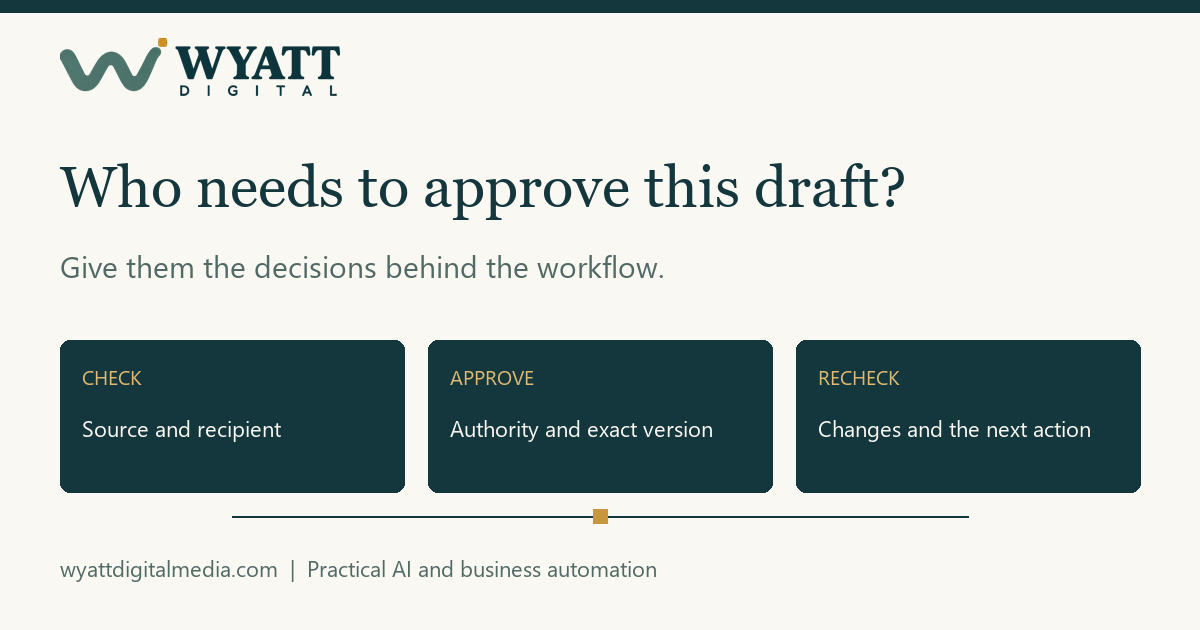
I'd want the reviewer to answer five questions:
1. Does this draft address the correct request and recipient?
2. Are its meaningful claims supported by current source information?
3. Is the person approving it authorized to make its commitments?
4. Does the approval apply to this exact version and next action?
5. Is the message still appropriate to send now?
If an answer is missing, give the work an owner and a next step. Don't let a polished paragraph cover up an unfinished decision.
Start with one kind of draft, define the approval rule, and test the awkward cases before expanding it. Keep the checks useful enough that the office can actually follow them.
If you've got a draft workflow that needs a clearer boundary, book a conversation. Bring one example of the message and the decision someone needs to make before it goes out.
I'll see you on the road.