
Automation handoff · November 23, 2026
What should you document before handing an automation to your team?
Give your team the decisions behind the workflow.
By Jason Wyatt
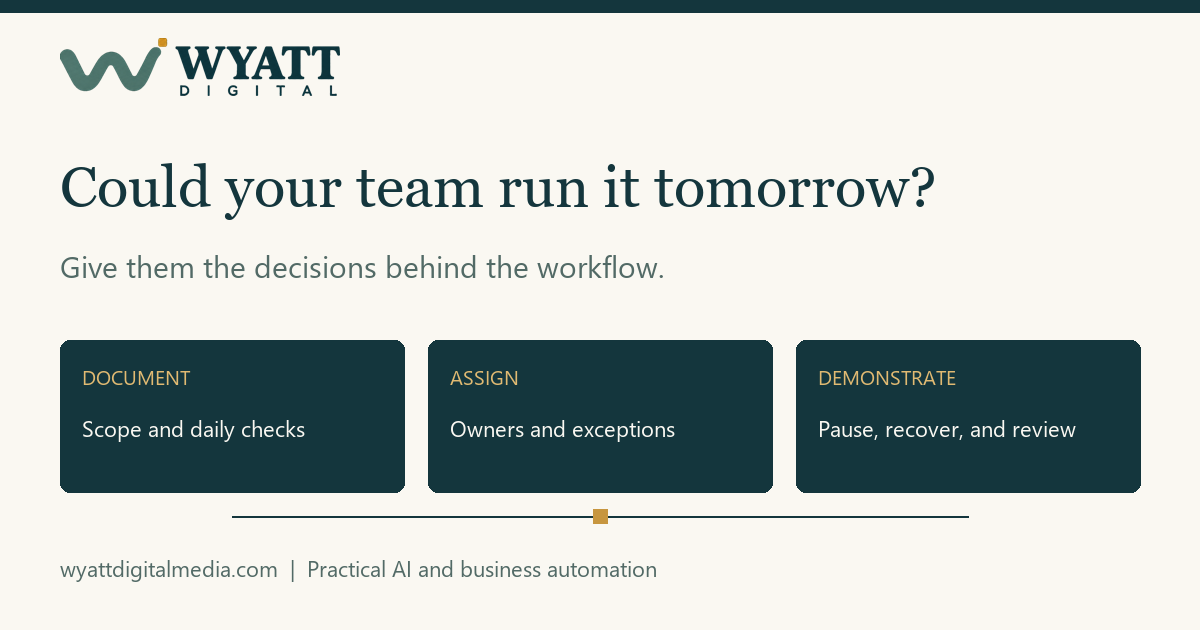
Could someone on your team handle tomorrow morning's work if the person who built the automation wasn't available?
I don't mean finding the login. I mean knowing what should run, what a good result looks like, which exceptions need a person, and how to keep the work moving when the automation pauses.
If every answer starts with “ask the person who set it up,” you've still got some handoff work to do.
Before handing an automation to your team, document its purpose and limits, the records it uses, the people responsible, the daily checks, the exception path, and the approved pause and recovery steps. Then have the person taking it over demonstrate the work using that documentation.
That demonstration matters. A document can look complete while leaving out the one decision the office needs when something goes sideways.
Here's the practical handoff packet I'd put together for a service office, supply business, or team working across several locations. This is a planning guide, not a claim that your current software has any particular control.
1. What job is the automation allowed to do?
Start with a short purpose statement and a finish line.
“Prepare a draft customer-request summary and put it in the assigned branch's review queue” gives the team something specific to check. “Handle customer requests” could mean half the office.
Name the event that starts the work, the eligible inputs, the expected output, and the action that counts as finished. If a person still has to approve the result, make that visible in the description.
Write the boundaries alongside it. Does the process create a draft, change a record, assign a task, send a message, or propose a next step? Which actions require human approval? What must it leave alone?
Now add the cases it deliberately doesn't handle. A missing account reference, an unusual request, or an unrecognized branch might belong in a review queue. The team needs to recognize those as expected exceptions rather than quietly fixing around them.
Fictional example: A supply office uses a workflow to prepare a branch review task from a complete customer inquiry. It may attach the inquiry and suggest a category. It may not approve a price, promise stock, or send a customer reply.
That example describes a proposed boundary, not an existing client system.
If the purpose is still fuzzy, the first AI project guide helps you define the job before adding more steps.
2. Which records and decisions does the team need to understand?
Give the team a plain map of what goes in and what comes out.
List the source system, the destination, the record identifiers used to match the work, and the fields that affect a decision. Explain the few terms that could mean different things to different people.
“Complete” might mean the information is ready for review. It might mean a person approved it. Those should not be interchangeable when the next action depends on approval.
You don't need to make every operator read a technical build diagram. Give them enough to trace a real request and know where the authoritative information lives. Keep the technical details available for the person responsible for maintenance.
| Document this | Explain it in office language |
|---|---|
| Starting event | What causes one piece of work to enter the process |
| Required information | What has to be present before normal handling |
| Matching reference | How this request stays attached to the correct record |
| Field ownership | Which system or person can settle a conflicting value |
| Expected result | What should exist when this step finishes |
| Exception route | Where incomplete or unusual work goes |
Link to the actual working locations, with access appropriate to the person's role. A screenshot of a queue is useful for orientation, but the team also needs a way to reach today's queue.
For a deeper look at matching records and assigning field authority, use the business system connection checklist.
3. Who runs the work, and who can change it?
I'd separate three responsibilities.
The process owner decides what the business needs the workflow to do. The operator checks the work and handles the ordinary exceptions. The maintainer investigates technical faults and makes authorized changes.
One person might hold more than one role in a small office. Write that down anyway, and give each responsibility a backup.
Also name who can approve a pause, a restart, or a change to a rule. An operator may be allowed to hold a questionable item without being allowed to edit the entire workflow.
Add the support route and the information needed to ask for help. A request reference, the step involved, the time, and the observed result are more useful than “the automation is broken.”
Keep passwords, keys, and recovery codes out of the shared handoff document. Reference your approved access process or secure credential location instead. Confirm the receiving person has the access required for their role through your normal account procedures.
A document is not permission to share a login or grant new access.
And distinguish ownership of the process from ownership of an individual customer request. The customer-request ownership guide covers accepted handoffs between people or branches. Both responsibilities need a name.
4. What should the operator check during an ordinary day?
Write a short operating routine someone can follow while doing the rest of their job.
Tell them where to see new work, what needs review, how to recognize a completed item, and which unresolved items need attention. If there is a deadline or an agreed review window, state it in the document rather than leaving it in somebody's memory.
Include one accepted example of a normal result, with test or fictional information. Point out what makes it acceptable.
For our fictional supply-office workflow, an acceptable task might have the correct branch, a linked inquiry, an account reference, and any unanswered questions clearly marked. A category suggestion by itself wouldn't establish that the task is ready to use.
Now explain what the operator should compare. Did every eligible inquiry create the expected review task? Are there items waiting for an owner? Did something get marked complete before the person finished their review?
That comparison is reconciliation: checking what should exist against what actually exists. It's how you find work that didn't make it into the queue you're watching.
Keep the routine realistic. A page of checks nobody has time to use won't give you much control. Start with the checks that catch missing work, incorrect routing, and unresolved exceptions, then assign who reviews the broader picture.
5. What should happen when the result is wrong or missing?
This is the page I'd want the team to find quickly.
For each meaningful failure type, write what the operator can observe, what they may do, what they must leave alone, and when they should escalate it. Include the information that lets the maintainer trace the affected record.
Avoid a blanket “run it again” instruction. A repeat run might create a second task or send a second message. The recovery decision needs to account for what already happened.
| Situation | What the handoff instructions should settle |
|---|---|
| Required information is missing | Where the item waits and who resolves the missing detail |
| Result goes to the wrong branch | Who corrects routing and how the correction is recorded |
| The same request appears twice | How the team identifies the existing work before creating more |
| An expected task never appears | How source and destination records are compared |
| A customer replies while work is on hold | Who reads the reply and rechecks the next action |
| The fault affects several records | Who can pause the affected path and coordinate recovery |
Give the exception an owner and a visible next review point. Closing an alert should not silently close an open customer request.
For the specialist HVAC example, the failed follow-up recovery guide goes into delivery states, retries, contact restrictions, and stopping obsolete messages. Those are separate decisions from documenting the whole process handoff.
6. What needs to be written down about AI-assisted steps?
If AI helps classify, summarize, or draft something, name that step explicitly.
Record the kind of input it may use, the output it is supposed to produce, the source material it may rely on, and the checks a person applies before using the result. Define what happens when the output is incomplete, unsupported, or outside the intended task.
Keep a reference to the approved instructions and their current version. If the underlying model or tool is known and relevant to maintenance, record that too. Don't promise the team a behavior that hasn't been checked in the actual setup.
For the fictional branch-review task, a suggested category could be useful. A claim that stock is available or that a delivery date has been approved would need an authoritative source and the appropriate business approval. A confident sentence doesn't supply either.
The handoff should tell the operator what they can accept, what needs checking, and what must go back to a person. Use a few labeled examples showing both acceptable and unacceptable results.
For broader AI evaluation context, NIST's AI Risk Management Framework offers voluntary guidance on trustworthiness across the design, use, and evaluation of AI systems. The handoff packet here is my practical organizing approach, not a NIST certification or a guarantee about an AI system.
7. How would the team pause, recover, and prove the handoff worked?
Write the approved pause procedure before anybody needs it in a hurry.
Specify who can pause the affected path, which work continues manually, where pending items remain visible, and who must approve restarting it. A pause may stop future actions without undoing records already changed, so document how those records will be checked.
Include a recovery checklist tied to the actual workflow. It should account for pending items, actions already completed, manual work done during the pause, and the risk of duplicates after restarting.
You might say, “But Jason, we already showed them how it works.”
Good. Now have the receiving operator show it back.
Use approved test records and an appropriate test environment where available. Make sure the exercise can't accidentally contact a customer, create a real appointment, or alter a real order.
I'd ask the operator to find a normal result, handle an incomplete item, recognize a duplicate, trace a missing task, and explain the pause and escalation path. Let them use the document. That's the point of having it.
When they get stuck, fix the missing instruction and repeat the relevant part. Don't treat a question as a failure by the person learning the process. It may be the first evidence that your documentation skipped a step.
So what belongs in the final handoff packet?
I'd keep a short operator guide up front and supporting detail behind it. Give the packet an owner, a version, a last-tested date, and a place where the team knows to find the current copy.
Here's a useful starting structure:
- Purpose and scope: starting event, finish line, eligible work, exclusions, and approval boundaries.
- Working map: source and destination records, key terms, matching references, and queue links.
- People and authority: process owner, operator, maintainer, backups, and support route.
- Daily routine: normal checks, acceptance examples, pending work, and reconciliation.
- Exceptions and recovery: observable faults, next actions, pause instructions, manual fallback, and restart approval.
- Handoff evidence: the version tested, exercise results, unresolved limits, receiving owner's acceptance, and next review date.
Keep the record current when a rule, field, owner, or connected system changes. A beautifully formatted guide to the old process can be worse than a visible unanswered question.
Also record what the automation is supposed to improve. The staff-time measurement guide helps you compare the work before and after while keeping review, corrections, and upkeep in the picture.
The handoff is ready when the team can find the work, judge the result, handle the agreed exceptions, and get help without guessing. A working demonstration gives you something concrete to accept.
If you've got an automation that still depends on one person's memory, book a conversation. Bring one workflow and the questions your team keeps having to ask, and we can start there.
I'll see you on the road.